

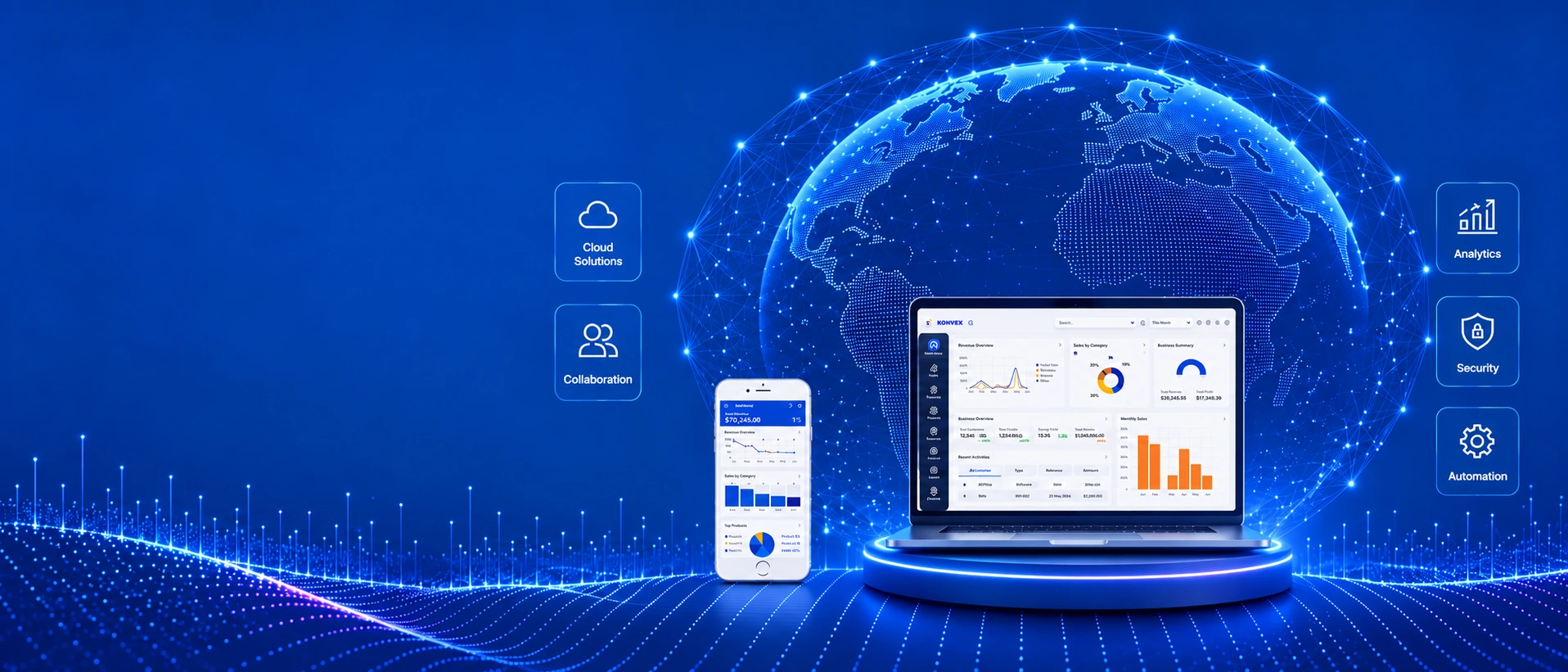





BangladeshBuilt around local business

ERPA Mugnee IT Solution product


About Bizovix
One ERP Platform for Complete Business Management
Bizovix is a cloud ERP product of Mugnee IT Solution, part of Mugnee Group. Built for trading, import and manufacturing teams, it connects daily business records. Mugnee's wider business experience is separate from Bizovix's ERP product history.
Our Core ERP Solutions
Accounting & Finance ERPInventory & Warehouse ControlSales, POS & CRM AutomationManufacturing & Production PlanningHR, Payroll & AttendanceApprovals, Dashboards & Reports
Illustrative brands and business workflows
Built in Bangladesh. Regional Plans.
Bizovix ERP and Regional Growth Plans
Built around businesses in Bangladesh, Bizovix connects accounts, stock and operations. The map illustrates planned regional expansion. Confirm current service availability and country-specific tax support with our team before choosing a plan.
Bangladesh and planned regional marketsBangladesh, India, Pakistan, Nepal, Sri Lanka, Bhutan, Myanmar, Thailand and Cambodia.
Business FitConfirm available workflows
8 ModulesCore ERP solution areas
Local SetupConfirm country tax support

Bizovix ERP regional roadmapBuilt in Bangladesh. Regional expansion is planned.
Multi-Device ERP
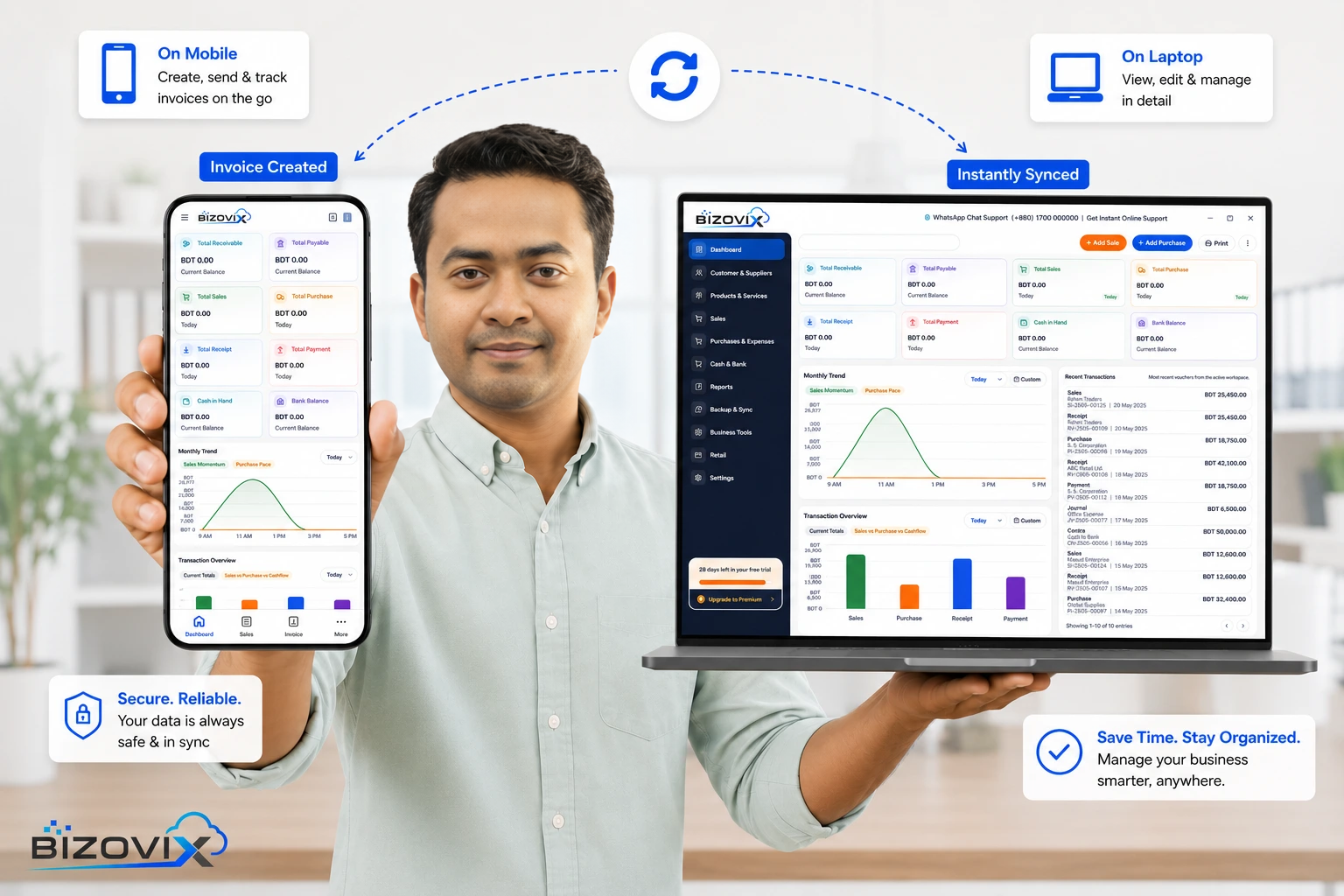
The Real Multi-Device ERP Experience
Access your business workspace on desktop and mobile. The illustration shows a sample multi-device workflow; request a walkthrough of the current software with our team.
CloudShared business records
SyncSubject to connectivity
ERP Capabilities
Manage accounting, inventory and operations with connected ERP solutions
Connect inventory, manufacturing, finance and approvals around your daily business workflows, from purchase management to customer collections.Cloud ERP Implementation
Plan your required modules, opening records and team access before go-live.
Warehouse & Distribution
Follow stock across purchases, transfers, deliveries and warehouses.

Manufacturing & Production
Connect materials, work orders, costing and finished-goods records.
Finance & Approvals
Review accounts, payments, approval steps and reports in one workflow.
THE BIZOVIX ADVANTAGE
Simplify Your Business. Work Smarter with Bizovix ERP.
Running a business should be simple, organized, and efficient. Bizovix ERP brings your essential business activities into one connected workspace, helping your team reduce manual work, stay organized, and maintain better control over daily operations.
With an intuitive interface, centralized business information, flexible workflows, and practical business management tools, Bizovix ERP helps you focus less on managing software and more on growing your business.
Simple & User-Friendly
An intuitive ERP experience designed to make everyday business management easier.
Everything in One Place
Keep important business information and daily operations connected in one organized system.
Better Control & Visibility
Stay informed about your business activities and access the information you need to make confident decisions.
Flexible Business Management
Adapt your business processes and ERP configuration as your operational needs evolve.
Support That Matters
Get guidance on setup, onboarding, and available support options to help your team get started.
Why Businesses Choose Bizovix
Start with familiar daily work
Follow everyday tasks through clear screens and consistent steps, so your team can spend more time on business work and less time finding its way around the system.
Keep related records together
Use shared business records when reviewing transactions, stock and balances. Give departments the context they need without relying on separate files for every activity.
See what needs your attention
Review transactions, balances and reports together to understand business activity. Use that information to follow up on outstanding work and plan your next decisions.
Match the setup to your team
Review how your team works and agree the available workflows, roles and settings that fit your operation. Revisit the configuration as your business needs change.
Help your team get started
Discuss setup, onboarding and available support before getting started. Agree the scope, availability and any applicable charges so your team knows how to ask for help.
Core ERP Modules
Run every department from one connected ERP workspace.
Explore eight core ERP modules through the workspace below. Each module has a detailed solution page. Approvals, dashboards and reports support these workflows rather than adding to the module count.
01Core ERP suite
8Core ERP modules
360Operational view
 Cloud ERP
One connected workspaceShared records. Connected departments.
ONE CONNECTED FLOW
PurchaseStockAccounts
Finance & Business Accounts
Keep customer dues, supplier balances, receipts, payments and financial reports connected.
Accounting control / Warehouse visibilityPurchases, Stock & Sales
Follow purchases through goods receipt, warehouse stock, sales invoices and collections.
Single data source / Role-based workflowsRising Star
Free mobile ERP for young entrepreneurs and small businesses. Confirm data, invoice, storage and support limits.
One mobile device / No desktop includedGo-Live Process
How Bizovix ERP Implementation Helps You Go Live
Transforming operational challenges into connected cloud ERP success through a clear, practical, and support-focused rollout process.
Understand & Analyse
We study your business goals, branches, users, modules, approval flows, and reporting needs before ERP configuration begins.
Design & Configure
Bizovix sets up finance, stock rules, dashboards, roles, permissions, forms, and workflows around how your team works.
Implement & Integrate
We support data migration, user training, connected workflows, and smooth go-live planning for every department.
Support & Evolve
After launch, our team helps optimize usage, refine reports, improve adoption, and keep operations running confidently.
ERP questions
Frequently Asked Questions About Bizovix ERP
Practical answers for businesses evaluating a connected ERP workspace.
What is Bizovix ERP software?
Bizovix is a cloud business management system. ERP stands for enterprise resource planning: it connects department records so teams can follow accounts, stock, transactions and operations in one workspace.
Is Bizovix suitable for businesses in Bangladesh?
Bizovix is designed around businesses in Bangladesh. Confirm service availability, setup, local reporting requirements, training and support with our team before choosing a plan.
What business operations can Bizovix manage?
Explore accounting and finance, inventory management, purchase management, sales and collections, POS, HR and payroll, and client and vendor records. Connected workflows also cover manufacturing, approvals, dashboards and business reporting.
Which industries can use Bizovix ERP?
Explore Bizovix for manufacturing, garments and textile, pharmaceuticals, wholesale and distribution, retail and POS, construction, and import businesses. Discuss your processes with our team to assess the modules and setup your business needs.
Can Bizovix manage multiple branches and warehouses?
Inventory workflows cover multiple warehouses, stock transfers and branch stock visibility. The implementation team reviews your branch structure and reporting requirements to configure the appropriate controls.
Is Bizovix cloud-based?
Bizovix is a SaaS cloud ERP platform with connected mobile and desktop workflows. Teams can access shared business records across departments, with roles, permissions and approval flows configured during implementation.
Does Bizovix support manufacturing businesses?
The manufacturing ERP module connects bills of materials, work orders, raw materials, production costing, quality checks and finished-goods inventory with purchasing and accounts.
How can I get started with Bizovix?
Review Bizovix pricing, explore the modules you need, then request a demo. Our ERP team can discuss your workflows, configuration, data migration, user training and go-live plan.
PAYMENT OPTIONS
Bizovix ERP: 46 Payment Options
These logos show listed payment methods. Confirm currently accepted options, charges and payment instructions with our team before paying.














































ERP Software
See How Bizovix Fits Your Business
Explore how Bizovix connects your accounts, stock, purchases, sales and production. Contact our ERP team to discuss your business workflows and request a demo.
New version coming soonConnected modulesBusiness-ready workspace