When you buy
- Purchase
- Stock
- Accounts
Keep the purchase bill, received stock and supplier balance connected, so you can follow what came in and what you owe.
Explore purchasesManage purchases, sales, stock and payments without accounting knowledge. Bizovix ERP keeps party balances and monthly profit and loss easy to understand, with customizable reports and a free mobile app for your business in Bangladesh.
New Windows version coming soon. Request a demo while downloads are temporarily unavailable.

Built for businesses in Bangladesh
Bizovix is built for shop owners and business teams in Bangladesh, including people with no accounting background. Use familiar purchases, sales and payments to keep accounts and stock organized, then understand customer dues, supplier balances and monthly profit and loss.
One connected workspaceDesktop ERP & mobile appKeep the purchase bill, received stock and supplier balance connected, so you can follow what came in and what you owe.
Explore purchasesFollow the sales invoice, customer payment and remaining balance, so your team knows what has been paid and what is due.
Explore salesBring your materials, production and finished-goods requirements to the demo. Review the manufacturing workflow that fits your process.
Explore manufacturingThe tools behind your daily work
Bring accounting, purchases, inventory and sales together, with HR and payroll, asset management and LC management in your desktop ERP workspace.
Keep buying, selling and your daily accounts connected.
Organize everyday accounts, party balances and profit/loss reports without needing debit-credit knowledge.
Keep purchase records, supplier details and account balances together.
Follow sales invoices, returns and customer payments.
Review retail checkout requirements and confirm the available POS setup.
Review stock, production, business assets and import-related work.
Review stock quantities, valuation and reorder needs alongside purchases and sales.
Discuss production planning and costing needs; confirm manufacturing feature availability.
Keep business asset records alongside your accounts and everyday operations.
Connect LC records with import purchases, suppliers and business accounts.
Bring employee, customer and supplier records into the same workspace.
Business reports you can understand
Your ERP reporting system should answer your everyday questions. Review party-wise bills, understand monthly profit and loss, and customize reports and shortcuts around your own business.
Review bills by customer or supplier, with the information you need to follow each party's account.
Understand your monthly income, expenses and profit or loss in a clear report, even without an accounting background.
Customize ERP reports and arrange shortcuts around the information and tasks you use most.
| Month | Income | Expenses | Net profit |
|---|---|---|---|
| Apr | 280,000 | 230,000 | 50,000 |
| May | 310,000 | 250,000 | 60,000 |
| Jun | 300,000 | 252,000 | 48,000 |
| Jul | 360,000 | 290,000 | 70,000 |
| Aug | 390,000 | 310,000 | 80,000 |
| Sep | 420,000 | 320,000 | 100,000 |
| Customer / bill | Due · BDT |
|---|---|
| Apex TradersINV-2609-014 | 32,000 |
| City MartINV-2609-021 | 28,000 |
| Rahman StoreINV-2609-027 | 20,000 |
Net profit after goods and operating costs.
Your business, beyond the desk
Use the Bizovix desktop ERP app for your everyday business operations. The mobile app is free for everyone and brings monthly report updates to your phone, so you can stay informed about your business.
Your everyday business operations.
Review your business summary from your phone.
From a shop counter to a growing business
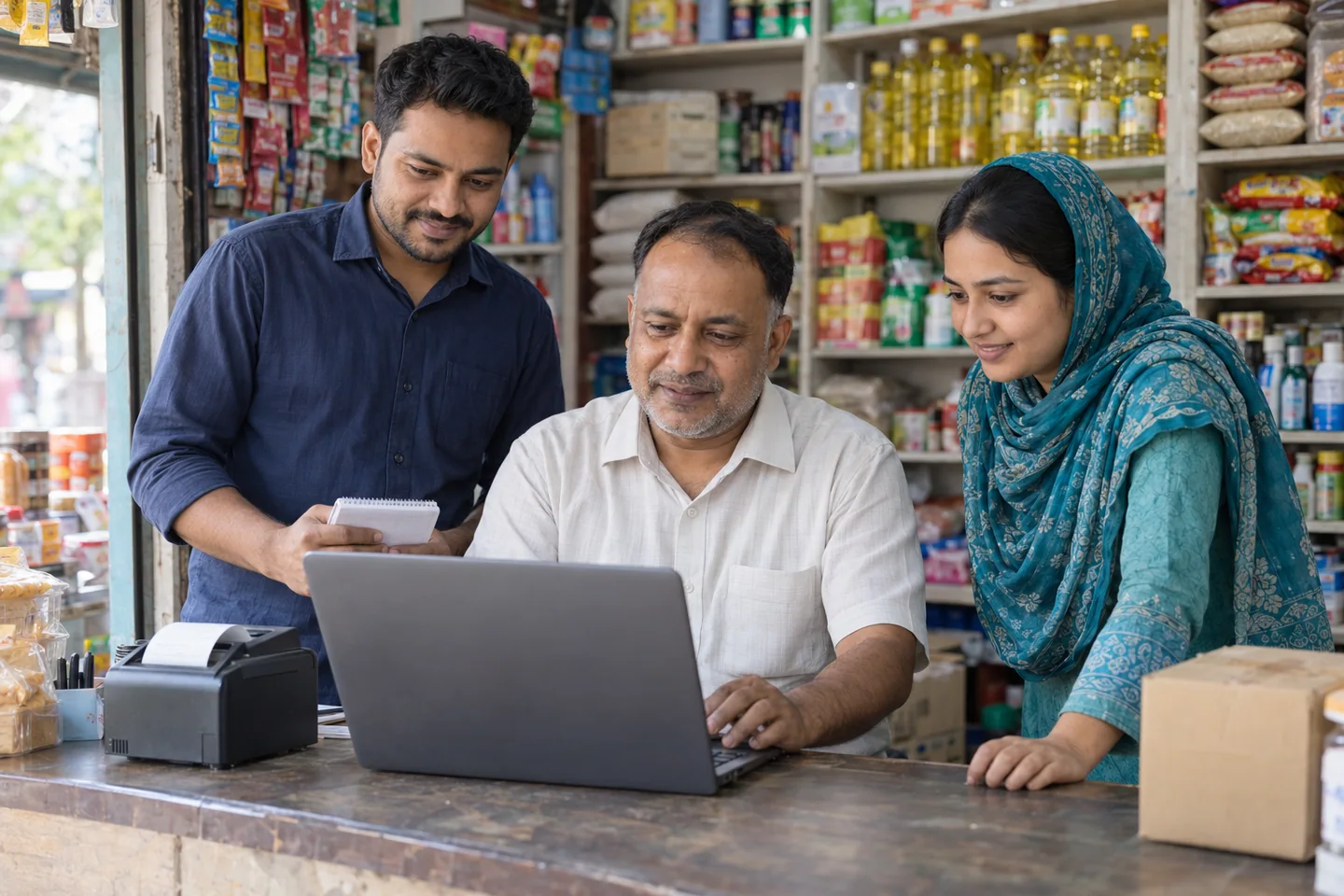
You do not have to be an accountant to understand your business. Bizovix helps shop owners and teams manage sales, purchases, stock and party balances, then see monthly profit and loss in reports they can understand.
Review product quantities alongside the purchases and sales behind them.
See customer dues and supplier balances with their transaction records.
Understand monthly income, expenses and profit or loss in a clear report, without accounting training.
Built around your type of business
From a local shop to a trading or manufacturing business, your daily work starts with purchases, sales, stock and accounts. Explore the ERP workflows for your type of business.
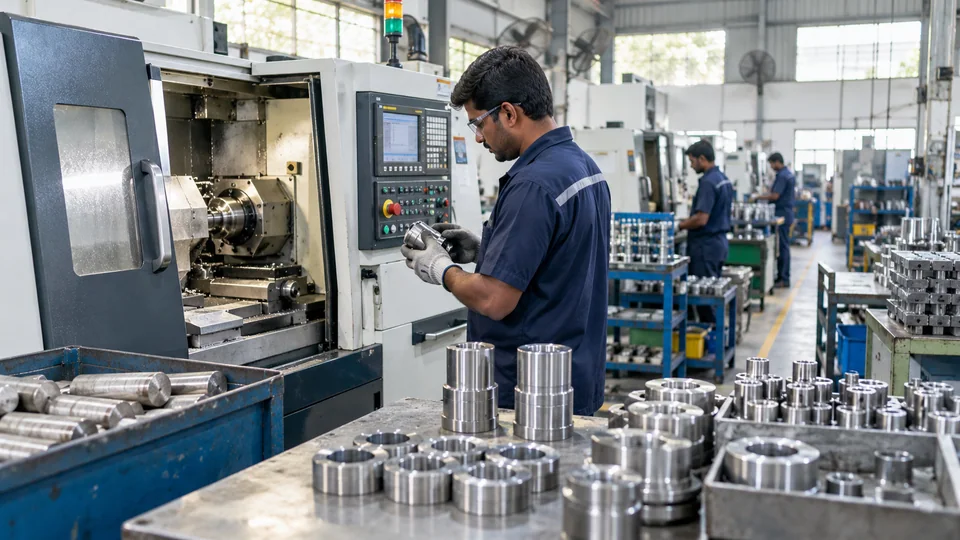
Review materials, stock and production requirements.
Explore industry
Discuss fabric stock, purchasing and costing needs.
Explore industry
Confirm batch, expiry and traceability requirements.
Explore industry
Review stock, sales and customer balances.
Explore industry
Discuss import purchases and supplier accounting needs.
Explore industry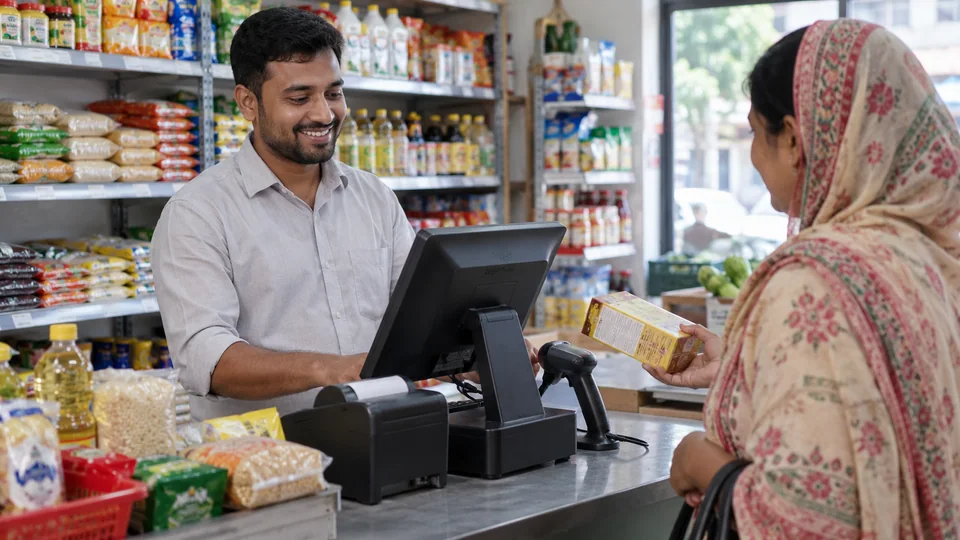
Keep your shop's sales, stock, customer bills and daily accounts organized.
Explore industry
Discuss site materials, purchases and project reporting.
Explore industry
Share your business type and workflows. Our team can help you review the right setup.
Discuss your requirementsUnderstand the cost before you choose
Compare the free Bizovix mobile plan with paid desktop ERP. Your total ERP budget should also account for the computers, setup, training and support your business needs.
Rising Star
Free1 mobile device included
Manage accounts, purchases, sales, stock and reports with the free Bizovix mobile app. A desktop ERP licence is priced separately.
Smart Business · Desktop + Mobile
৳13,2001 desktop + 1 mobile, billed for 1 year
৳1,100 per month equivalent. The 1-year plan has no discount.
Review the full Bizovix plans and features. Confirm installation availability and any additional implementation or support costs before choosing your setup.
PAYMENT OPTIONS
Familiar payment options for your Bizovix subscription.













































Compare software using your own business
The best ERP for your business should handle the work your team does every day. Whether you are comparing a local ERP provider or an international system, use the same business records and checks in each demo.
| What to compare | What to check in the demo |
|---|---|
| Daily transactions | Record a purchase, a sale, a customer payment and a sales return. Check how each entry changes stock and party balances. |
| Business reports | Review a customer ledger, stock valuation and monthly profit and loss. Ask whether your team can customize the reports it needs. |
| Desktop and mobile | Confirm supported devices, internet requirements, data access and the licence needed for each computer or phone. |
| Total cost | Compare the full licence period, number of computers, setup, data migration, training, renewals and ongoing support. |
| Implementation support | Agree who prepares opening balances and stock, who trains your team, and how you get help after go-live. |
From the first conversation to daily use
Start with a discussion of your business. Agree the ERP modules, data preparation, training and support plan with the Bizovix team before rollout.
Review your departments, branches, existing records and reporting needs.
Confirm available modules, user access and reports for your daily work.
Agree data preparation, team training and workflow checks before rollout.
Review changing reporting needs and agree ongoing support as your business grows.
Answers before your next step
Get practical answers about Bizovix ERP pricing, free mobile access, Windows downloads, accounting, stock management and moving your business records.
ERP stands for enterprise resource planning. It connects business processes and records so finance, sales, inventory and other teams can work from the same information.
Bizovix is user-friendly ERP software for accounting, purchasing, inventory, sales and business reporting. It also includes HR and payroll, asset management and LC management. Explore the ERP modules to plan your setup.
No. Bizovix is designed for everyday business users, including people with no accounting background. Record purchases, sales and payments in familiar business terms without learning debit and credit. Review customer and supplier balances, and understand monthly profit and loss through clear reports.
Yes. Bizovix is designed for everyday business users, including shop owners. Keep purchases, sales, stock and party balances organized, and review your shop's monthly profit and loss. Explore ERP for retail businesses.
Yes. You can customize Bizovix ERP reports and arrange shortcuts around your own tasks and information needs. This helps your team reach the reports and daily work they use most.
Yes. Bizovix reporting includes party-wise bills and monthly profit and loss reports. You can review customer or supplier bills and understand your business results in one ERP system.
Yes. Rising Star includes one free mobile device. Smart Business, Business Pro and Business Elite include paid desktop and mobile bundles, with extra devices available for Business Elite. Compare the current plans for your business setup.
Yes. Bizovix provides monthly report updates on mobile, helping you stay informed about your business reports through the mobile app.
Yes. Bizovix includes HR and payroll, asset management and LC management alongside accounting, purchases, inventory and sales. Discuss your team's workflow in a demo.
Yes. Bizovix connects inventory management with accounting and finance, including purchase bills, sales invoices and customer and supplier balances.
Review the Manufacturing ERP solution area with the team and confirm current feature availability for your production process. Learn how a bill of materials connects production and inventory to prepare your planning and costing requirements.
Request a Demo and share your industry, branches and the workflows you want to connect. You can also email the Bizovix sales team to discuss your requirements.
Rising Star is free for one mobile device. Smart Business includes one desktop and one mobile at ৳13,200 for 1 year, or ৳33,660 for 3 years with 15% savings. Business Pro and Business Elite offer more included devices; Elite lets you calculate extra desktop and mobile access. Review the current plans and confirm setup and any additional implementation or support costs with the team.
Start with the purchases, sales, stock and accounts your business handles every day. Ask each provider to demonstrate the same sample transactions, customer ledger and profit and loss report. Compare local support, supported devices, data preparation, training and the full licence cost. Use the ERP selection checklist to keep your comparison consistent, then request a Bizovix demo using your own business records.
Rising Star includes one free mobile ERP device for business accounts, sales, purchases, stock and reports. Paid Bizovix plans bundle desktop and mobile devices. Compare free mobile and desktop ERP pricing to choose your setup, and confirm app and installation availability with the team before downloading.
List the work you need to manage: project budgets, materials, contractor bills, property or unit records, customer bookings, instalments and project-wise reporting. Ask providers to demonstrate each required workflow. For Bizovix, review the construction ERP workflow and confirm property-specific feature availability with the team before choosing a plan.
This website currently marks the Bizovix ERP download for Windows PC as coming soon. Request a demo or confirm installation availability with the team. Paid desktop ERP plans include desktop and mobile device allowances; review the included devices and the plan you need before starting.
Start with the work your team needs to keep connected. For a shop or trading business, that usually means accounting, purchases, sales and inventory, followed by the reports you use to review stock and party balances. Add requirements such as manufacturing or HR and payroll to your demo checklist when they apply. Explore the Bizovix ERP modules to plan the setup around your business.
The best ERP software fits your daily work, team and budget. For shops and SMEs in Bangladesh, evaluate Bizovix if you need connected purchases, sales, stock, party balances and reports that everyday business users can understand. Use the ERP comparison checklist and test your own records in a demo before choosing a plan.
ERP product examples include Bizovix ERP, SAP Business One, Microsoft Dynamics 365 Business Central, Odoo and ERPNext. They differ in business fit, deployment, modules, implementation and pricing. Treat this as a starting list rather than a ranking, and check current availability and local support with each provider. To review Bizovix, explore the ERP modules and compare them against your daily tasks.
No. Excel is spreadsheet software. It can help prepare records and analyze exports, but a workbook alone does not provide the connected transactions and workflows of an ERP system. Bizovix brings purchases, sales, inventory and accounts into one business application. Review the accounting ERP workflow to see how transaction records and party balances connect.
Accounting software focuses on financial records, payments and reports. ERP connects those records with wider business operations such as purchasing, sales and inventory. Bizovix combines these workflows so your team can review stock and customer or supplier balances alongside transactions. Compare the accounting and inventory modules to decide what your business needs.
Bizovix supports Excel import for item and party records, as listed in the current plan features. Prepare your product list, customer and supplier records, opening stock and balances before the demo. For historical transactions or data from another ERP, agree the file format, cleanup and migration scope with the team. Discuss your migration requirements and verify stock and ledger balances before going live.
Let us talk about your business
Bring your shop or business workflow. Explore easy accounting, party-wise bills, monthly profit and loss, and the free mobile app in a demo.